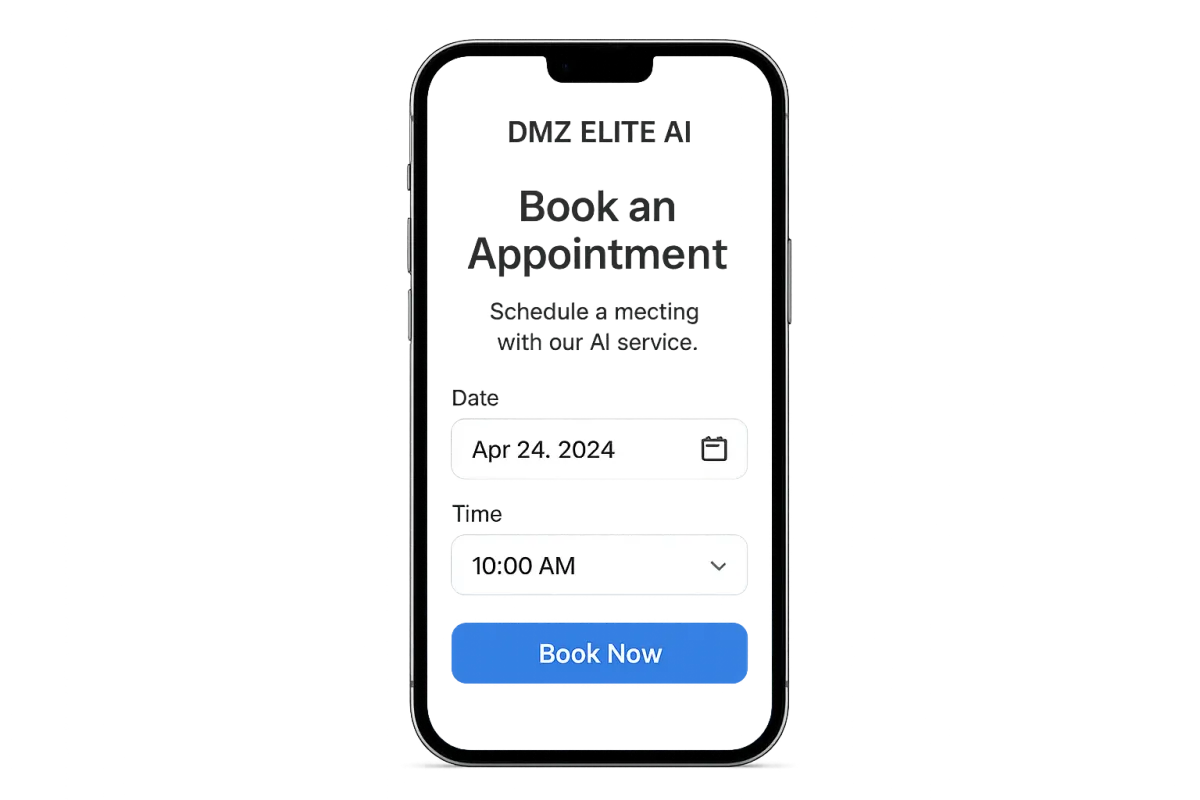
How to Increase Bookings with AI
How to Increase Bookings with AI: Practical Automation for Scheduling and Appointments

AI booking systems and appointment scheduling software take routine scheduling off your plate so you can capture more appointments, cut no-shows, and let staff focus on higher-value work. This guide explains what AI booking systems do, how they automate scheduling with calendar sync and intelligent routing, which strategies and tools reliably boost appointment volume, and a straightforward roadmap for rolling them out and measuring impact. Many small businesses and freelancers miss revenue because of slow replies, double bookings, and manual follow-up; AI fixes those gaps by capturing leads instantly, showing real availability, and handling reminders automatically. Below we define the core concepts, share five tactical growth strategies, compare tool categories, outline a step-by-step implementation plan with KPIs, surface common operational and privacy challenges (with mitigations), and suggest cost-conscious setups for small teams. Throughout, you’ll find practical examples focused on AI appointment scheduling, automated confirmations, and predictable ways to reduce no-shows—so you can pick solutions that fit your workflow and measurement needs.
What are AI booking systems and how do they automate appointment scheduling?
AI booking systems are automation platforms that handle scheduling by matching availability, syncing calendars, and sending automated communications to cut manual coordination and increase conversions. They read your calendar, learn client preferences and past behavior, suggest the best time slots, and route leads automatically—creating consistent booking experiences and fewer conflicts. Immediate wins include less admin time, more prospects turning into appointments, and fewer scheduling errors when assigning staff or resources. Grasping these core mechanics explains why freelancers and small agencies increasingly use AI appointment scheduling to scale client acquisition.
AI booking systems usually automate three core functions:
Intelligent booking: Automatically recommends the best slots based on rules and client preferences to eliminate back-and-forth.
Calendar sync: Two-way integrations keep availability current across calendars and prevent double-bookings.
Automated reminders: Email and SMS confirmations and reminders cut no-shows and make rescheduling easy.
Those automation layers increase booking capacity and improve the client experience—setting up the next section on efficiency gains and feature priorities.
How does AI appointment scheduling improve booking efficiency?
AI appointment scheduling removes repetitive tasks—manual calendar checks, confirmation emails, and rescheduling negotiations—freeing your team to do revenue-generating work. These platforms speed up the scheduling process by matching availability instantly, providing booking links, and automating confirmations, which translates into measurable time savings for freelancers and small teams. For example, automated confirmations and smart slot suggestions reduce administrative coordination significantly, while predictive rules cut down on exceptional conflicts that need human fixes. Focusing on those efficiencies helps you choose which automation features to enable first; the next section explains which features deliver the biggest return.
What features should you look for in AI booking tools?
Pick tools with features that map directly to better booking outcomes: two-way calendar sync, an intelligent scheduling assistant, automated reminders, CRM integration, and analytics that measure bookings per lead. Two-way sync keeps availability accurate across Google Calendar and Outlook; an AI assistant matches preferences and proposes ideal slots; reminders via email and SMS cut no-shows; and CRM integration preserves lead context so follow-ups convert better. Compare these capabilities to your current workflow to decide whether an AI scheduling assistant, an automated confirmation system, or an AI calendar-sync tool fits your needs and budget before you invest in acquisition strategies.
How can you increase appointments using AI automation tools?
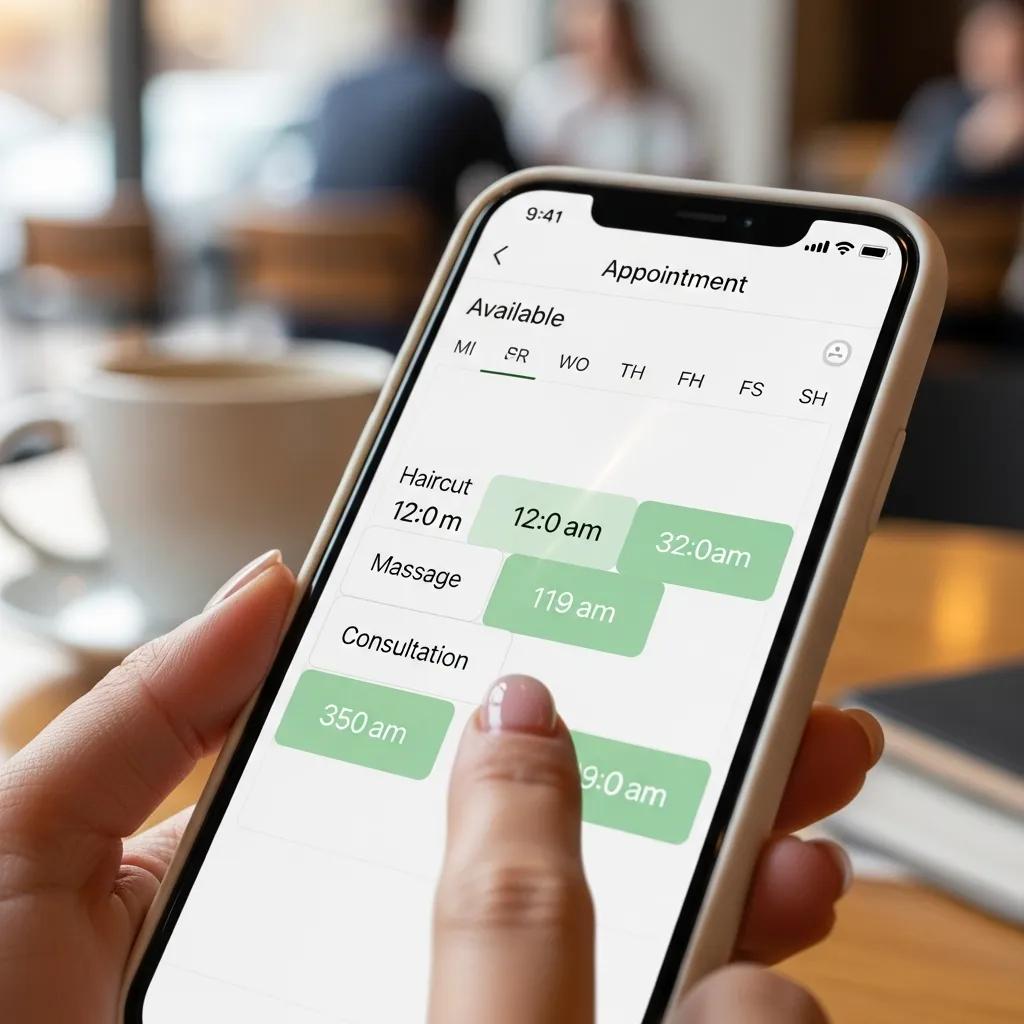
Growing appointments with AI is about combining better lead capture, instant booking experiences, and persistent follow-up flows that turn interest into scheduled visits without extra manual effort. AI tools increase conversion by offering conversational booking, automatically qualifying leads, and personalizing time suggestions based on behavior. The core idea: reduce friction at every step—quick responses capture intent, intelligent routing connects the right staff or service, and reminders protect booked revenue by lowering no-shows. Below are five practical strategies you can roll out quickly to boost appointment volume.
Use these five actionable strategies to grow bookings:
Capture and qualify leads with conversational bots that route high-value prospects into immediate booking flows.
Give personalized booking links that display only suitable time slots—this raises conversion from page visit to scheduled appointment.
Run automated reminders and rebooking flows to lower no-shows and refill canceled slots fast.
Implement smart lead routing so high-intent leads reach the right team member for quicker follow-up.
Use retargeting workflows that nudge warm leads to book with limited-availability messages.
These tactics convert awareness into appointments and feed measurable signals into your optimization system—next we’ll review tool choices and integration approaches.
Which AI strategies drive more client bookings automatically?
High-impact AI tactics include smart lead prioritization, conversational booking flows, predictive scheduling, and automated rebooking sequences that recover lost opportunities. Lead prioritization uses scoring to escalate high-intent prospects into immediate booking interactions; conversational booking via chatbots shortens the path from curiosity to a scheduled time; predictive scheduling suggests slots that historically convert better; and automated rebooking re-offers canceled times to suitable prospects. Start small with a pilot, measure conversion lifts, then scale the tactics that move the needle—this readies you to quantify time saved and no-show improvements.
How does automating bookings with AI save time and reduce no-shows?
AI replaces manual back-and-forth with instant confirmations, automated reminders, and smooth rescheduling flows that keep clients engaged and informed. Email and two-way SMS reminders lower no-show rates by prompting confirmations and enabling quick rescheduling; predictive no-show scoring highlights high-risk appointments for extra outreach. The result: more productive staff hours, less revenue lost to cancellations, and more bookings per lead. Capture baseline no-show and booking metrics before you automate so you can measure which reminder cadence and channels work best for your audience.
AI automates small business operations for increased ROI AI can help small businesses streamline routine tasks—like data entry, customer support inquiries, and inventory tracking—producing measurable returns on investment. Adoption and implementation of artificial intelligence in small businesses in selected developing countries, EO Ikpe, 2024
What are the best AI tools for client acquisition and booking growth?
Choose tools by matching categories to your business priorities—schedulers, chatbot booking assistants, reminder engines, and CRM connectors each play a defined role in the conversion funnel. Evaluate vendors on ease of use, integration options, pricing, and analytics so you invest where bookings per lead actually improve. The table below summarizes representative tool categories, their core features, and concrete benefits to help you decide where to start.
Tool Category
Key Feature
Benefit / Use-case
AI Scheduling Assistant
Intelligent slot suggestion
Improves conversion by matching client preferences to available times
Conversational Chatbot
Guided booking via chat
Captures and qualifies leads 24/7 and routes hot prospects into booking flows
Reminder Engine
Multi-channel reminders (email/SMS)
Reduces no-shows and automates confirmations
CRM Integration
Automated lead enrichment
Preserves client context and powers follow-up sequences
This comparison shows where to focus: start with a scheduler plus reminders if your priority is reducing manual time and no-shows, then add chatbots and CRM ties to scale acquisition.
When you’re ready to implement and want expert help, DMZ Elite Marketing Resources builds S.M.A.R.T. websites that host AI booking systems aligned with your funnel and KPIs; book an appointment on our site to review a tailored implementation for your business. We turn tool selection into configured workflows that start capturing appointments quickly.
How do AI tools integrate with your existing booking systems?
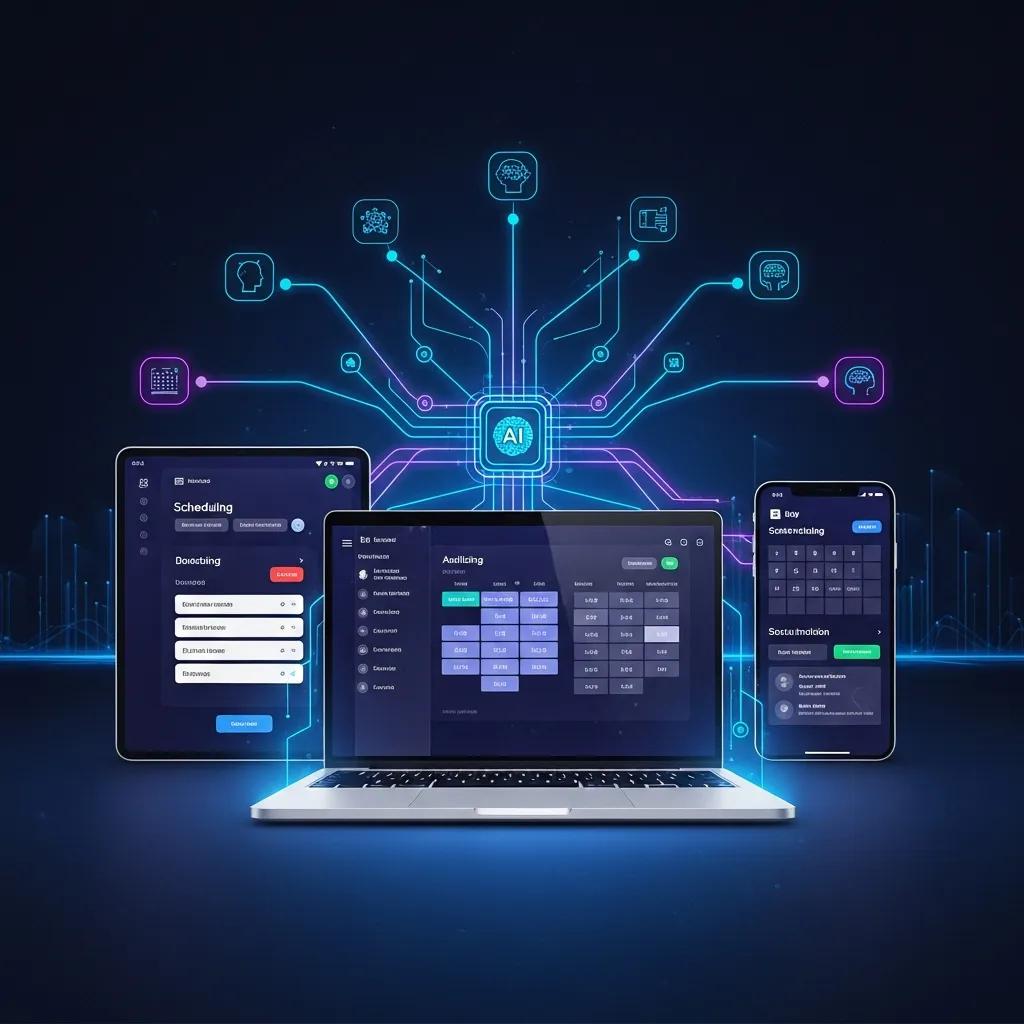
AI tools connect via native integrations, APIs, or middleware connectors that map client records, calendar events, and payment fields so systems stay synchronized and booking flows remain seamless. Native integrations are easiest but sometimes limited in fields; APIs and middleware (like general automation platforms) enable custom mappings for client IDs, appointment types, and payment confirmations. Key integration checks: confirm two-way calendar sync, ensure client IDs match across systems, and test webhook-triggered confirmations. A short checklist—map fields, run test bookings, verify reminders—prevents errors that disrupt client experience.
AI chatbots and assistants streamline hotel bookings AI features—intelligent chatbots, personalized recommendation engines, and automated booking assistants—streamline reservations, reduce human errors, and improve guest satisfaction. AI-POWERED WEBSITE DESIGN FOR HOTEL BOOKING SYSTEMS IMPROVING USER EXPERIENCE AND OPERATIONAL EFFICIENCY, 2025
Which AI client acquisition features boost conversion rates?
Features that increase conversions remove friction and build trust: conversational booking, instant booking on ads and landing pages, lead qualification with priority routing, and automated follow-up sequences for warm prospects. Conversational booking captures intent quickly and creates a clear path to schedule; instant booking embedded on a landing page removes redirect friction; automated follow-ups re-engage visitors who didn’t book; and priority routing gets high-value leads faster attention. Run A/B tests to see which features deliver the biggest lift for your audience.
How do you implement AI automation tools to maximize booking results?
Implement with a phased roadmap: set goals and KPIs, choose tools, map integrations, pilot specific flows, measure results, iterate, and then scale successful automations. This approach reduces launch risk, clarifies responsibilities, and drives measurable gains in bookings per lead and fewer no-shows. The table below outlines steps, deliverables, and typical time/resources so you can plan a pragmatic rollout.
Phase
Deliverable
Time / Resources Required
Discovery & Goals
KPI definitions and workflow mapping
1 week; owner + stakeholder interviews
Tool Selection
Proof-of-concept configuration
1–2 weeks; product trials and vendor evaluations
Integration & Configuration
Calendar, CRM, payment mapping
1–2 weeks; developer or integrator time
Pilot & QA
Test bookings and reminder flows
2 weeks; live bookings and monitoring
Launch & Monitor
Full deployment and dashboarding
Ongoing; 1–2 staff hours/week for first month
This roadmap shows how modest, focused effort across short phases delivers rapid automation benefits and creates measurable improvements you can scale.
DMZ Elite Marketing Resources follows this stepwise method when building S.M.A.R.T. websites and integrating AI booking tools: we prioritize discovery, rapid pilots, and a metrics-driven launch. To see how these phases apply to your business, book a consultation on our website to review a tailored plan and next steps.
What are the step-by-step processes to automate your booking system?
A practical five-step process: define KPIs and desired outcomes, map current workflows and pain points, choose a minimal toolset covering scheduling and reminders, run a small pilot to validate assumptions, and iterate before full rollout. Start with clear KPIs—bookings per lead, conversion rate, no-show rate—so you can compare baseline performance to automation outcomes. Mapping the existing workflow highlights exact places AI can remove manual touch. The pilot phase validates real client interactions and uncovers edge cases to fix before scaling.
How can you measure the success of AI-driven booking automation?
Track primary KPIs like booking conversion rate, bookings per lead, no-show rate, and time saved per booking, plus secondary metrics such as average response time and client satisfaction. Use simple formulas—bookings per lead = booked appointments / qualified leads—and set baseline targets before deployment so progress is measurable. Report weekly during pilots and monthly after scaling, and use dashboards that combine calendar data, CRM activity, and reminder outcomes to identify where to iterate next.
AI model reduces healthcare no-shows with targeted interventions An AI-powered model effectively identified high-risk patients likely to miss outpatient appointments, enabling targeted interventions like reminder calls. The result was a notable drop in no-shows, demonstrating the approach's potential to optimize resource use and improve attendance. An artificial intelligence-based model to reduce the no-show rate in outpatient clinics of an academic hospital, 2024
What are common challenges when using AI booking systems and how to overcome them?
Typical challenges include data privacy and compliance concerns, integration complexity, client friction from poor UX, and over-automation that removes necessary human touch. Mitigate these risks by following minimum-data principles, choosing vendors with secure hosting and encryption, running phased integrations with robust testing, and keeping easy human fallback paths for sensitive or complex cases. Anticipating these operational risks helps you design safeguards that protect client trust and keep bookings consistent.
Integration complexity: Map fields and run full end-to-end tests to avoid mismatched bookings.
Over-automation: Offer a clear human escalation path inside booking flows.
Privacy concerns: Collect only what you need and document retention policies.
Poor UX: Minimize steps in the booking flow and use clear messaging throughout.
How do you handle data privacy and security in AI appointment scheduling?
Protect privacy by collecting only necessary client data, getting consent for communications, and using tools that encrypt data at rest and in transit with strict access controls. Apply retention rules that purge old booking records after a set period and enforce role-based staff access to limit exposure. For small businesses, low-cost practical steps include choosing vendors with clear security documentation and enabling two-factor authentication for admin access. These controls preserve client trust and align scheduling automation with basic compliance expectations.
What are tips to ensure a smooth client experience with AI automation?
Keep booking steps minimal, explain reminders and data use clearly, provide an easy path to human support, and personalize confirmations to build trust. Test the flow as a client and remove fields that cause drop-off. Personal touches—like addressing clients by name and confirming appointment details—improve perceived reliability, while straightforward rescheduling keeps bookings that might otherwise be lost. These UX practices help maintain high conversion and client satisfaction as automation grows.
How can small businesses benefit from AI appointment scheduling software?
Small businesses and freelancers gain time savings, higher conversion of inquiries into appointments, and fewer no-shows without adding staff. AI levels the playing field by automating high-effort tasks—reminders, intake forms, and lead qualification—so small teams can match larger competitors on responsiveness and reliability. The table below pairs common small business types with cost-effective solutions and quick reasons why each setup fits, helping you choose an affordable configuration that increases bookings without heavy overhead.
Small Business Type
Cost-Effective Solution
Why it Fits / Estimated Cost
Freelancers / Solopreneurs
Freemium AI scheduler + SMS reminders
Low monthly cost; automates bookings and frees up admin time
Small clinics / studios
Scheduler with CRM integration
Centralizes client records; moderate setup investment
Service agencies
Chatbot gateway + scheduler
Captures leads 24/7 and routes them into booking flows; scalable investment
What are cost-effective AI booking solutions for small businesses?
Start with freemium schedulers that offer calendar sync and basic reminders, then add low-cost chatbot builders or middleware only when conversion gains justify the spend. Prioritize integrations that automate the highest-effort tasks—calendar sync and reminders—before investing in advanced analytics or custom APIs. Outsource complex integration work only when necessary; many small teams can configure common connectors themselves to keep initial costs low while delivering fast improvements in bookings per lead.
How do AI tools help small businesses compete and grow their client base?
AI helps small businesses compete by delivering faster responses, widening booking availability outside business hours, and automating re-engagement to lift lifetime client value. Quicker responses and instant booking paths raise conversion from web visits and ads, while automated follow-ups and rebooking flows drive repeat appointments without manual outreach. Booking automationdata also highlights high-opportunity time windows and customer segments so you can run smarter offers and schedule more effectively with limited staff.
Frequently Asked Questions
What types of businesses benefit most from AI booking systems?
AI booking systems are especially useful for small businesses, freelancers, and service-focused industries like clinics, salons, and agencies. These teams often juggle high appointment volumes, need to reduce no-shows, and want to improve client engagement—AI automates scheduling tasks so they can save time and increase booking capacity without large administrative teams.
How do AI booking systems handle client data privacy?
Reputable AI booking systems limit data collection to what’s necessary, encrypt data in transit and at rest, and use role-based access controls. Choose vendors that document compliance with data protection standards, get client consent for communications, and maintain retention policies that limit storage duration to build trust and meet basic regulatory expectations.
Can AI booking systems integrate with existing software?
Yes. AI scheduling platforms connect to calendars, CRMs, and payment processors through native integrations, APIs, or middleware. Evaluate each tool’s integration capabilities so it can sync with your current stack and preserve workflow continuity—this prevents manual data entry and reduces errors.
What are common pitfalls when implementing AI booking systems?
Common missteps include launching without mapping workflows, undertraining staff, and over-automating to the point clients feel cut off. Define clear KPIs, map existing processes, and train team members before rollout. Keep a human escalation path available to balance automation and personal service.
How can businesses measure the effectiveness of their AI booking systems?
Track KPIs like booking conversion rate, no-show rate, and time saved per booking. Compare baseline metrics to post-implementation results to evaluate impact. Regular analysis—weekly during pilots, monthly after scaling—helps you spot improvements and prioritize further optimizations.
What support is available for businesses new to AI booking systems?
Many providers offer onboarding, documentation, and support channels. You can also hire agencies experienced with AI booking tools for setup and optimization. Online communities and product forums are useful for practical tips and troubleshooting from other users.
Conclusion
AI booking systems can materially improve your operations by automating scheduling, cutting no-shows, and boosting client engagement—so your team spends time where it matters. With the right tools and a staged rollout, small businesses can increase booking capacity and compete more effectively. If you want help designing and deploying an AI-enabled booking workflow, our tailored solutions will map to your funnel and KPIs—let’s talk about how to transform your appointment management.